Invoice Aging Calculator
Enter the invoice due date, the date you are reviewing it, and the remaining unpaid balance. The calculator shows whether the invoice is current, paid or overdue — plus the common aging bucket.
Runs in your browser • No signup • Your calculator inputs are not sent in analytics events
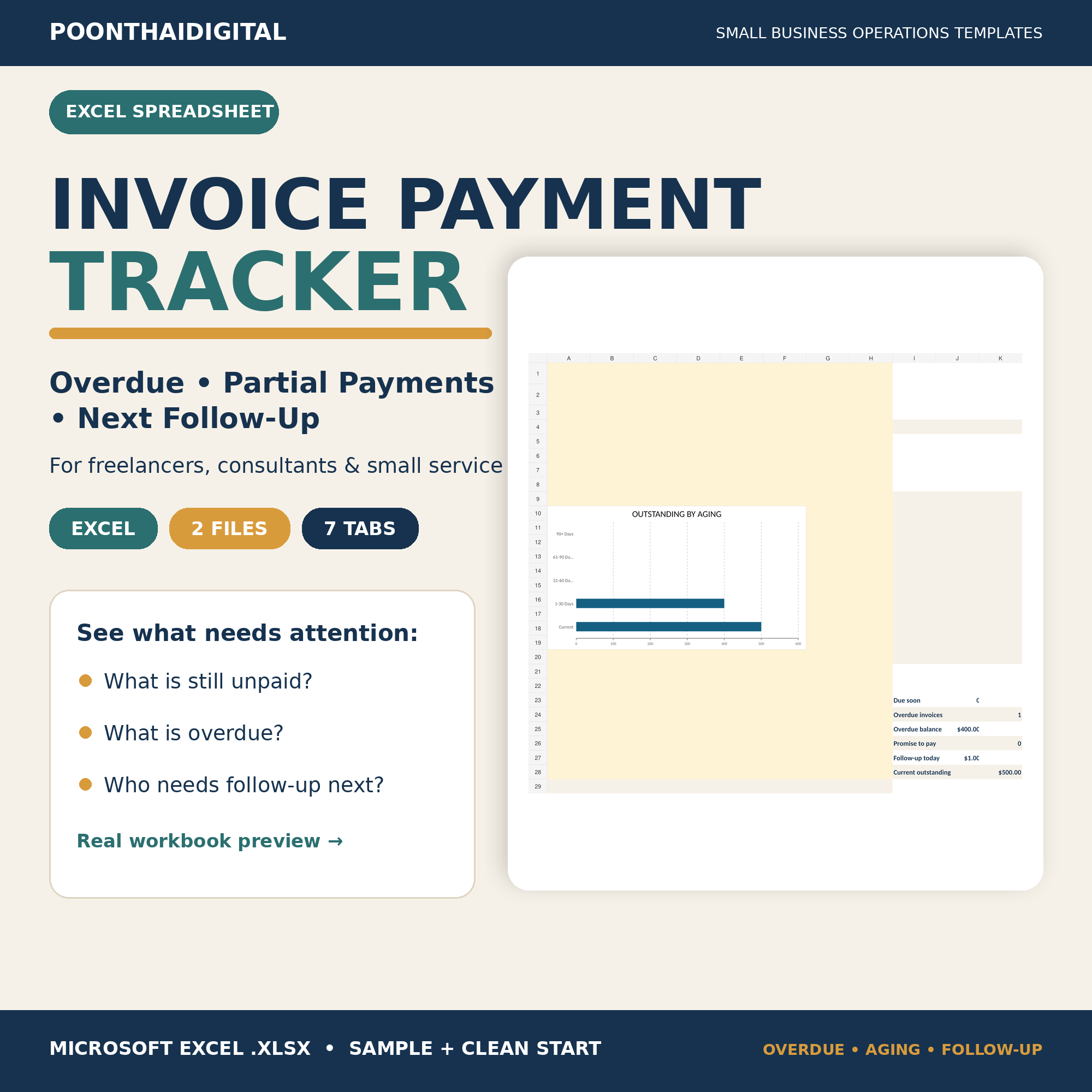 Tracking more than one unpaid invoice?
What does invoice aging measure?
Invoice aging groups an unpaid remaining balance by how long it has been past its due date. It should not be confused with the number of days since the invoice was created. For a simple operational view, the due date is the important reference point.
Only when the remaining balance is greater than zero and the due date has already passed.
Common aging buckets
Partial payments do not reset the due date
If a client pays part of an invoice, the calculator ages the remaining unpaid balance against the original due date you enter. For example, if a $1,200 invoice has $500 left unpaid and is 18 days past due, the aging bucket is 1–30 days and the amount currently exposed to that bucket is $500.
What should you do with the result?
Use the result to organize a review queue. Older overdue items may deserve attention sooner, but aging by itself does not decide what message to send, whether a fee is allowed, or what collection action is appropriate. Those decisions depend on your agreement, customer relationship and applicable rules.
Want the explanation before the calculator?
Read the free guide to Current, 1–30, 31–60, 61–90 and 90+ aging buckets, with worked examples and common mistakes.
Turn the aging result into a follow-up action
Aging tells you how late the remaining balance is; it does not create the next task. Use the Overdue Invoice Follow-Up Process to add last contact, promise-to-pay and next follow-up dates to the workflow.
Need a repeatable invoice workflow?
If you are still building the underlying invoice and payment system, start with How to Track Unpaid Invoices and Partial Payments in Excel. It shows how to keep the invoice log, payment log, remaining balance and next follow-up date connected.
See the complete Invoice, Late Payment & Cash Flow Hub for the full knowledge path. If the job becomes repetitive, you can also review the Invoice & Payment Follow-Up Tracker. The product page shows the real workbook, included files and product boundaries before you decide whether it is useful.
Quick questions
Is an invoice due today overdue?
Not in this calculator. An invoice due on the as-of date remains Current. It becomes 1 day overdue on the following day if a balance is still unpaid.
What if the remaining balance is zero?
The calculator returns Paid rather than an aging bucket because there is no unpaid balance left to age.
Does a partial payment change the aging bucket?
The payment reduces the remaining balance. The aging bucket still uses the due date you entered unless your own business process uses a different rule.
General workflow guidance only. This calculator is not accounting, tax, legal, lending or collections advice.